How do I build my own meme MCP server?
A meme MCP server is a small program that exposes one or more tools (for example search_memes or generate_meme) over the Model Context Protocol, so an assistant like Claude, Cursor or ChatGPT can call it. You define the tool with a JSON schema, implement the handler that returns image URLs or text, and register the server in the client's MCP config. If you only need memes in your assistant, you can skip the build and point the client at a hosted server such as https://memecub.com/mcp.
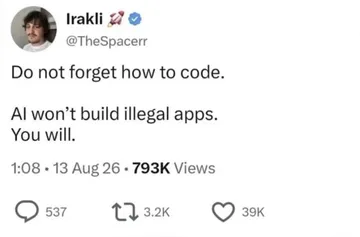
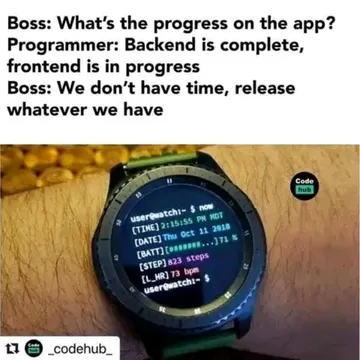
Send when the AI refuses to scaffold the server and you go back to writing the handler yourself.
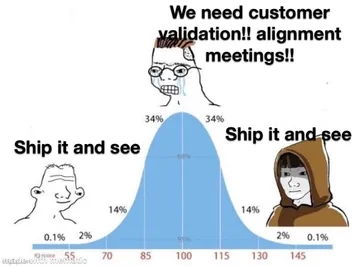
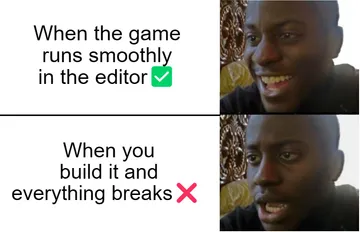
The moment your first tool call returns a valid image URL and you ship without further testing.
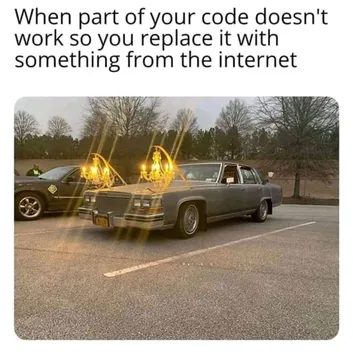
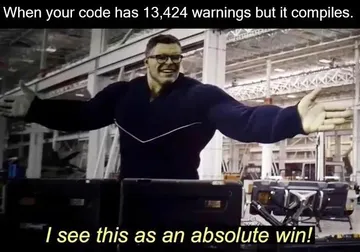
For the classic gap between a clean tool schema and a runtime error in the handler.
When you debate writing tests for the MCP server versus just wiring it into the client and seeing.
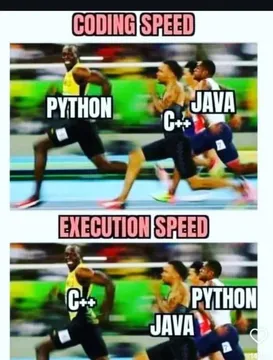
For the standoff between your tool description and the model that keeps calling the wrong tool.
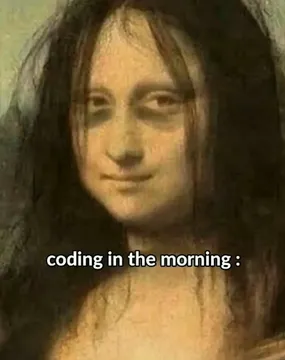
Debugging JSON-RPC transport at 3am after an all-nighter.
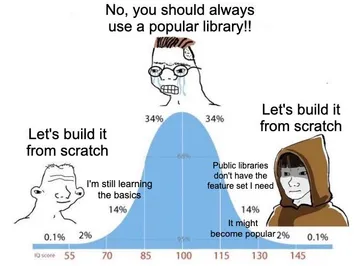
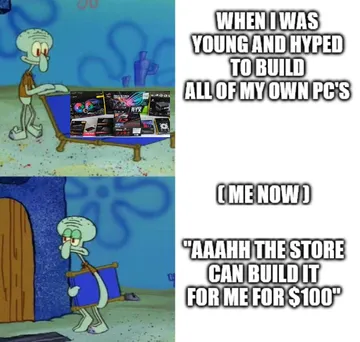
When someone suggests building a whole meme platform instead of one small MCP tool.
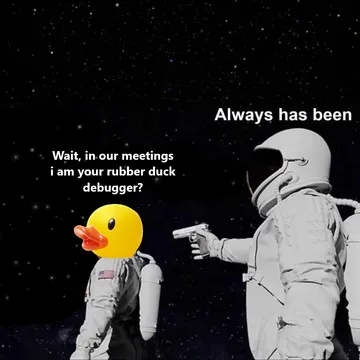
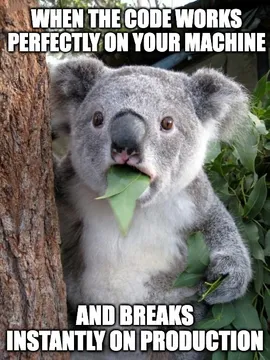
For the quiet stare after your server works locally but fails in production.

What a meme MCP server actually is
MCP (Model Context Protocol) is a standard way for an AI client to discover and call tools. A meme MCP server is just a process that speaks that protocol and exposes tools such as search_memes, get_meme or generate_meme.
Each tool has a name, a description the model reads, and an input schema. The handler receives the arguments and returns content, usually text plus an image URL or base64 image. The client (Claude Code, Cursor, ChatGPT, Cherry Studio) handles the display.
You can write it in any language with an MCP SDK: TypeScript, Python, Rust. The Google results show the same pattern across projects: haltakov/meme-mcp wraps the ImgFlip API in a single generation tool, and other servers add SSE for real-time updates.
A minimal server in code
Below is a TypeScript sketch using the MCP SDK pattern. It exposes one search tool and one generate tool; the search tool calls a REST endpoint, the generate tool calls an image API.
import { McpServer } from '@modelcontextprotocol/sdk/server/mcp.js';
import { StdioServerTransport } from '@modelcontextprotocol/sdk/server/stdio.js';
import { z } from 'zod';
const server = new McpServer({ name: 'meme-server', version: '1.0.0' });
server.tool(
'search_memes',
'Search meme images by keyword and return matching image URLs.',
{ query: z.string().describe('what the meme should express'), limit: z.number().default(5) },
async ({ query, limit }) => {
const res = await fetch(https://memecub.com/api/search?q=${encodeURIComponent(query)}&limit=${limit});
const data = await res.json();
return { content: data.results.map(r => ({ type: 'text', text: ${r.title}: ${r.url} })) };
}
);
await server.connect(new StdioServerTransport());
Then register it in the client config, for example a claude_desktop_config.json entry with command node and args pointing at the built file. Restart the client and the tool appears in the tool list.
Keep the tool description short and literal. Models pick tools by description, so “search meme images by keyword” beats “meme magic”. Return absolute URLs, not relative paths.
Build it or connect a hosted one
Build your own when you need a private template set, a custom caption renderer, or your own auth and logging. The ImgFlip-based projects in the search results are a good reference for a single generate tool with template ID and text placeholders.
Connect a hosted server when you just want memes in your assistant. memecub runs a remote MCP server at https://memecub.com/mcp, plus a CLI via npx memecub and a skill you can install with npx skills add https://memecub.com into Claude Code, Codex and Cursor. The trial is keyless with a daily search allowance, so you can test the tool flow before writing any code.
If neither fits, the AI meme maker at /generate creates an image from a character, action and caption in about ten seconds, and refuses real people.
Tone and etiquette for meme tools
Return a short caption with each image so the model can choose without loading every file. Cap the number of results per call; a wall of images is worse than three good ones.
Most memes in public libraries are collected from the web: fine for personal chats, copyright stays with the original creators, not for commercial use. If your server is used at work, filter to openly licensed images (Openverse, open-source emoji, public-domain art) that can be used commercially.
Never let the tool invent a meme URL. If search returns nothing, say so and suggest a different keyword.
Testing the server
Run the server directly and send a tools/list request over stdio to confirm the schema parses. Then call the tool with a fixed query and check that every returned URL loads.
Test the failure path: empty results, a timeout from the upstream API, and a malformed argument. A meme server that crashes on an empty query will crash in front of the model.
Finally, test inside the real client. Models sometimes call the tool with paraphrased arguments, so make the schema forgiving.
Let your AI find the memes
REST API, remote MCP, CLI and a skill. Try 20 searches a day without a key.
More that fit


FAQ
How do I write an MCP server that returns memes?
Use an MCP SDK for your language, define a tool with a name, description and input schema, and have the handler return text plus image URLs. Register the server in the client config and restart the client.
What does a meme MCP server look like in code?
It is a small script: create the server object, register one or two tools such as search_memes and generate_meme, then connect a stdio or HTTP transport. The handler is usually a single fetch call to a meme API.
Do I need an API key for a meme MCP server?
It depends on the image source. ImgFlip-based servers need an ImgFlip account and key; memecub's remote MCP server offers a keyless trial with a daily search allowance, and paid plans add credits.
Can I use a hosted meme MCP server instead of building one?
Yes. Point your client at https://memecub.com/mcp, or install the skill with npx skills add https://memecub.com. Build your own only if you need custom templates, rendering or auth.
Are memes from an MCP server free for commercial use?
Usually not. Most collected memes stay under the original creators' copyright and are for personal chats; use the openly licensed filter when you need images that can be used commercially.