How do I use an AI agent or MCP server to add memes to blog posts automatically?
You can wire memecub's remote MCP server (https://memecub.com/mcp) into Claude, Cursor, or any MCP-compatible agent, then have the agent search memes and insert them into your posts. Alternatively, use the REST API or CLI (npx memecub) to build a custom pipeline. For a no-code option, paste your article into memecub's AI meme placement (/match) and it picks a meme for each paragraph.
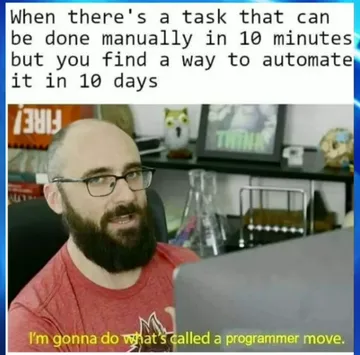
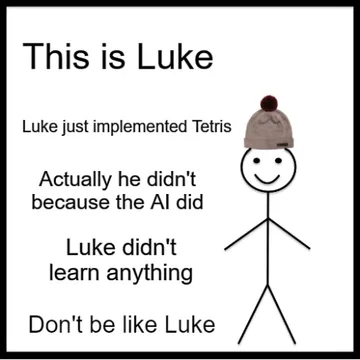
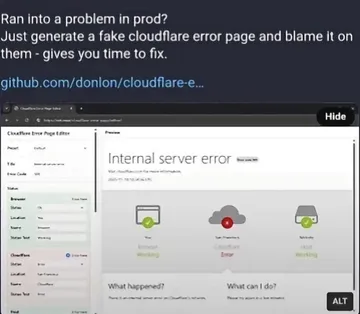
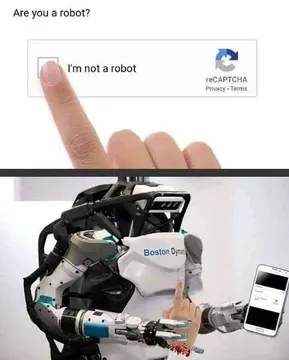
Send when explaining how automation handles boring, repetitive tasks like adding memes.
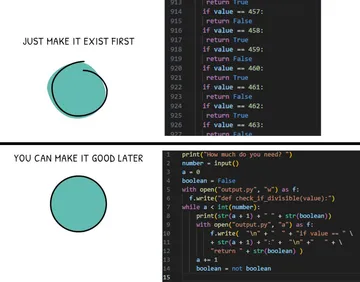
Use when showing a before/after of manual meme insertion vs. automated flow.
Post when your agent successfully inserts memes without human help.
Share when you automate meme placement and feel smug about it.
Use when a reviewer asks if the agent checked the post before publishing.
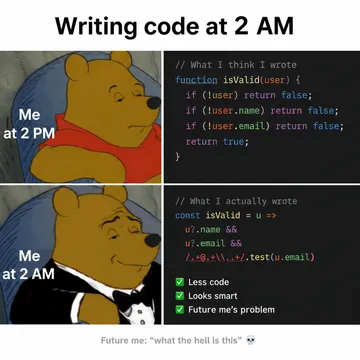
Send when you realize your 2 AM automation idea actually worked.
Post when giving advice to automate meme insertion, even if it seems too simple.
Use when presenting your automated meme pipeline as a genius innovation.




How to connect an AI agent to memecub
The fastest way is to add memecub's remote MCP server to your agent. In Claude Code, Cursor, or any MCP-compatible client, add a server entry with the URL https://memecub.com/mcp. No API key is needed for a trial of 20 searches per day.
If your agent supports skills, run npx skills add https://memecub.com to install the memecub skill. This gives the agent ready-made commands to search and fetch memes.
For custom pipelines, use the REST API: send a search query to the API endpoint (1 credit per call) and get back meme URLs and metadata. You can also use the CLI npx memecub to search from the terminal.
Example: agent prompt to insert memes
Once connected, prompt your agent like this: “For each section of this blog post, search memecub for a meme that matches the tone, then insert the image URL after the paragraph. Use only memes that are safe for work.”
The agent will call the MCP search tool, pick a meme, and place it. You can refine with rules like “no more than one meme per section” or “prefer memes with text in English.”
If you want a no-code approach, paste your article into memecub's AI meme placement at /match. It automatically suggests a meme for each paragraph, which you can copy into your CMS.
Tone and licensing etiquette
Most memes in memecub are collected from the web and are free for personal chats, but copyright stays with the original creators. For commercial blogs, use the filter that shows only openly licensed images (Openverse, open-source emoji, public-domain art) which can be used commercially.
Keep the tone friendly and avoid memes that could be offensive. When in doubt, use the AI meme maker (/generate) to create a custom meme with your own character and caption—about 10 seconds per image, 500 credits each. It refuses real people.
Let your AI find the memes
REST API, remote MCP, CLI and a skill. Try 20 searches a day without a key.
More that fit





FAQ
Can ChatGPT or Claude add memes to my articles automatically?
Yes, if you connect them to memecub via the MCP server or REST API. Claude Code and Cursor support MCP natively; for ChatGPT, you can use the API through a custom GPT or plugin.
Is there a free way to automatically add memes to blog posts?
memecub offers a keyless trial with 20 searches per day, and the free plan includes 1000 credits per month. Browsing and downloading memes on the website are also free.
How do I wire an MCP server into my blog publishing flow?
Add https://memecub.com/mcp as an MCP server in your agent's config, then prompt the agent to search and insert memes. You can also script it with the REST API or CLI for full automation.
What if no meme fits? Can I generate one?
Yes, use memecub's AI meme maker at /generate. Describe a character, action, and caption, or start from an existing meme as reference. It takes about 10 seconds per image and costs 500 credits.