Why can't I save a GIF?
Most of the time the save option is missing because the GIF is not a real file yet: apps like Messages, X or Instagram show an animated preview, and long-pressing it only offers Copy or Share. On iPhone, open the GIF in Messages, tap and hold it, then tap Save; on Android, long-press in the browser or gallery app and choose Download image. If the file is actually a .webp, rename it to .gif or use a converter, and if the post is protected or the site blocks right-click, take a screenshot of the first frame or download from the original source.
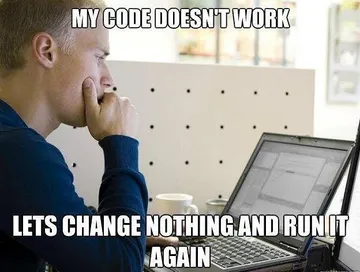
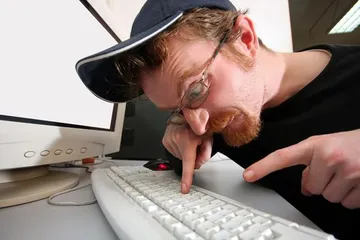
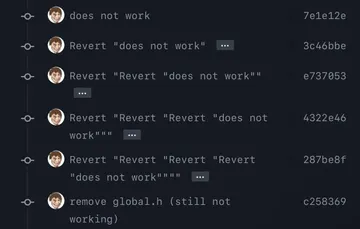
Send when you keep trying the same long-press and it keeps failing.
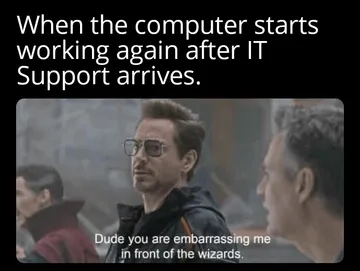
The look you give the app when Save is simply not in the menu.
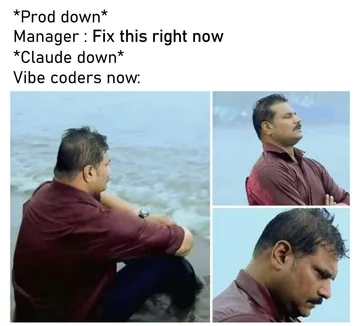
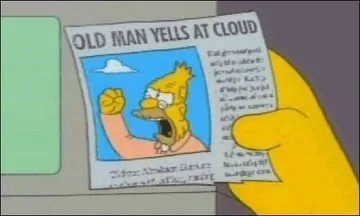
A quiet, dramatic reaction to a GIF that refuses to be saved.
For when the download button works but the file still will not open.
The desk-flip moment after the third failed save attempt.
Send to a friend who knows the workaround when you are stuck.
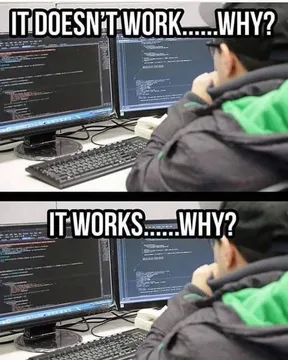
A puzzled “why?” for a group chat comparing notes on missing save buttons.



Check what the file really is
Long-press or right-click the image and look at the file name or type. Many sites serve animated images as .webp, which some gallery and messaging apps will not save as a GIF.
If it ends in .webp, download it and rename the extension to .gif, or run it through a converter. If it ends in .mp4, it is a video, not a GIF, and you save it through your camera roll instead.
Save a GIF on iPhone, iPad and Android
iPhone and iPad: open the message or post that contains the GIF, tap and hold the image until the menu appears, then tap Save. In Safari, long-press and choose Save to Photos or Add to Photos.
Android: long-press the image in Chrome and pick Download image, or use the three-dot menu and Download. In WhatsApp, open the GIF in the chat, tap the download arrow, and it lands in your gallery under WhatsApp.
If the menu only shows Copy, paste the image into Notes or a chat with yourself first, then save it from there.
When the site blocks saving
Some platforms hide the download button on purpose. Try opening the GIF in a browser instead of the app, or search the original source, since reposts often strip the save option.
For a quick fallback, take a screenshot of the frame you want. It will not animate, but it works when you only need the image.
If you need a GIF that is actually yours to keep, memecub lets you browse, search, copy and download memes on the website for free with no sign-up. Web-collected memes are fine for personal chats; check the openly licensed filter if you need commercial use.
Saving GIFs from social apps
X: tap the GIF to open it full screen, tap the three dots, then Save photo. Instagram: GIFs in comments and Stories are not downloadable; use the original source or a screen recording.
WhatsApp: received GIFs save with the download arrow, but GIFs you send from the keyboard are not stored as files. Google Images: open the image in a new tab first, then save, because the results grid often serves a preview.
Nothing quite right? Make one
Pick a character, type a caption, get it in about 10 seconds.
More that fit


FAQ
How do I save a GIF on my phone?
Long-press the GIF and choose Save or Download. On iPhone this saves to Photos; on Android it usually goes to Downloads or your gallery. If no save option appears, open the GIF in a browser tab first.
How do I save a GIF into Files?
On iPhone, long-press the GIF in Safari and choose Save to Files. On Android, use Download and pick a folder, or share the image to Files by Google.
Why is the save option missing for GIFs?
The app is showing an animated preview rather than a file, the image is actually a .webp, or the post is protected. Opening the original source or converting the file usually fixes it.
Can I save a GIF from WhatsApp?
Yes for GIFs you receive: tap the download arrow in the chat and it appears in your gallery. GIFs sent from the emoji keyboard are not saved as separate files.
How can I get a GIF that is safe to reuse?
Use a source that offers a download button and check the license. memecub marks openly licensed images that can be used commercially, while web-collected memes are for personal chats only.