What meme size works best for Twitter and Facebook?
Use 1080×1080 pixels (1:1) for memes in both Twitter and Facebook feeds, and 1080×1920 (9:16) for stories, reels and full-screen views. Keep the caption text well inside the edges, because both platforms crop previews differently. If you only export one file, a 1080-pixel-wide square is the safest single choice.
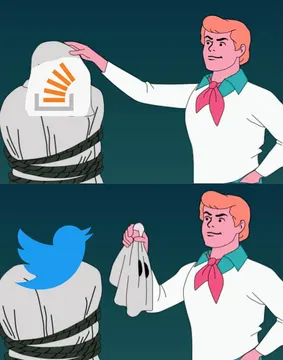
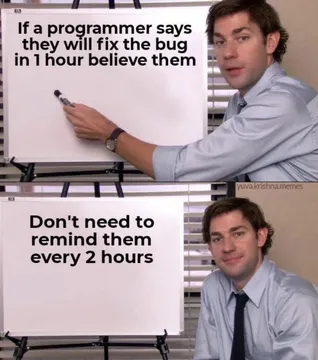
Send it when someone argues about which platform's format is “correct”.
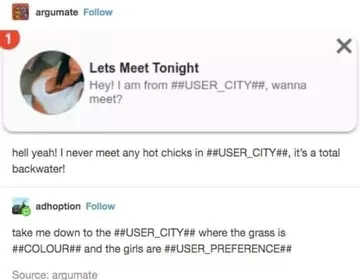
A reaction for reposting a meme that got cropped badly on the other platform.
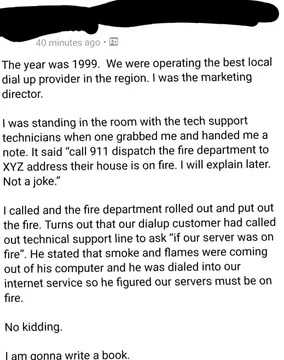
Use it when a meme you found in your feed is worth saving and resizing before posting.
Fits the moment a feed screenshot gets squashed into the wrong aspect ratio.
For sharing a screenshot from another feed that needs a square crop before it travels.
Good when the conversation turns to which platform eats your image edges.
A timeline joke to drop when someone blames the algorithm for a bad crop.



The sizes that actually matter
Feed post: 1080×1080 px, 1:1. This is the baseline most guides agree on, and it survives both Twitter and Facebook previews without letterboxing.
Stories, reels and full-screen: 1080×1920 px, 9:16. Use this when the meme is meant to be tapped through, not scrolled past.
Landscape link card or wide image: 1200×628 px, roughly 1.91:1. Good for a meme attached to a link, less good for a plain post.
Minimum: keep the short side at 700 px or more. Smaller files look soft on high-density phone screens.
How to crop a meme so nothing gets cut
Put the caption text at least 5–8% of the width away from every edge. Both platforms crop previews slightly differently, and text near the border is the first thing to disappear.
Keep the punchline in the middle third of the image. If a preview crops to a narrower ratio, the center is what survives.
Export as PNG for text-heavy memes and JPG for photos. PNG keeps sharp caption edges; JPG keeps the file small.
Check the result in the composer before posting. Upload, look at the preview, then adjust the crop by hand instead of trusting the automatic one.
One file for both platforms
If you post the same meme to Twitter and Facebook, export a 1080×1080 square and let each platform handle the preview. Avoid tall 4:5 or 9:16 images for feed posts, since they get cropped or shrunk on one of the two.
For a meme that must work everywhere, make the square version the master and derive the story version from it by extending the background, not by stretching.
Need a meme that fits a specific shape? memecub's AI meme maker lets you describe the character, action and caption, or start from an existing meme as reference, and it refuses real people.
Tone and etiquette
Match the format to the platform: square reaction memes read as casual on both, while wide link-card memes look more like ads on Facebook.
Keep captions short enough to stay legible at thumbnail size. If you cannot read it on a phone at arm's length, it is too small.
Memes collected from the web are fine for personal chats, but copyright stays with the original creators, so do not repost them commercially. memecub's filter shows only openly licensed images when you need something you can use commercially.
Nothing quite right? Make one
Pick a character, type a caption, get it in about 10 seconds.
More that fit




FAQ
What is a good size for a meme?
1080×1080 pixels is the safe default for feed posts, with a minimum short side of about 700 px. For stories and full-screen views, use 1080×1920.
Is 4:3 or 16:9 better for social media?
Neither is ideal for feeds. 1:1 (1080×1080) fits Twitter and Facebook previews best, while 16:9 is mainly useful for video and wide link cards.
What are the ideal image sizes for social media?
Most platforms work well with images around 1080 pixels wide. Square for feeds, 9:16 for stories and reels, and roughly 1.91:1 for link previews.
Do Twitter and Facebook crop memes differently?
Yes, previews can crop to different ratios, so keep text away from the edges and the punchline near the center. Always check the preview in the composer before posting.
Where can I find memes to resize for a post?
You can browse and download memes on memecub without signing up, then crop them to 1080×1080 before posting. Check the license if the post is commercial.