What awkward meme GIFs can I send?
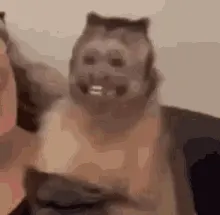
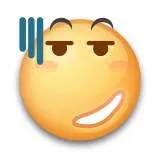
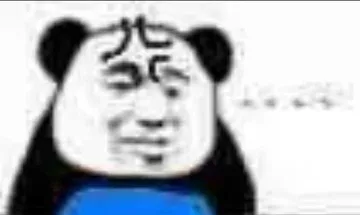
For an awkward moment, send a reaction that names the feeling: the blurry grinning monkey (吗喽尴尬笑了), the sweating emoji (流汗), or the panda with a forced smile (尴尬). If you want a moving version, search “awkward” on memecub.com and pick a reaction, or describe the exact face you need to the AI meme maker and it draws one in about 10 seconds. Keep it aimed at the situation, not at the person.
The classic awkward monkey grin — send it right after you say something that lands badly.
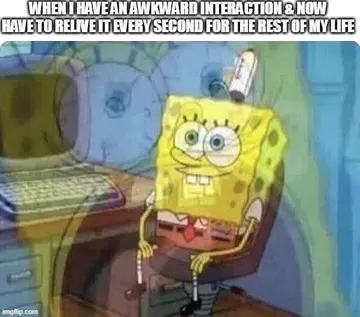
Sweating emoji for the pause after a message you regret sending.
Forced-smile panda face for when you have to reply but have nothing to say.
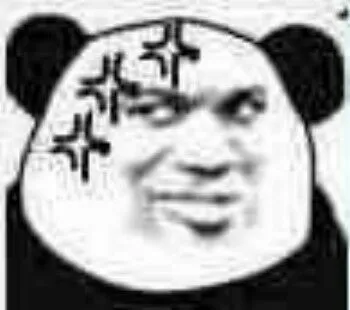
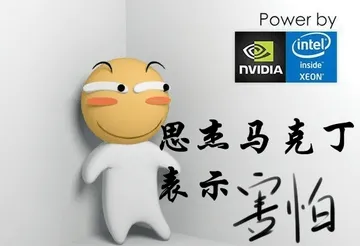
Sweat drops and a pasted-on face: the “I want to disappear” reply.
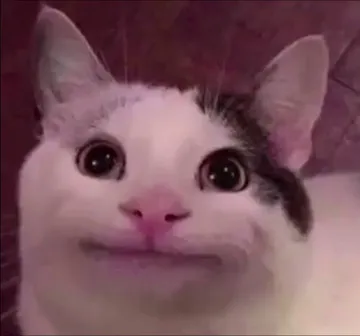
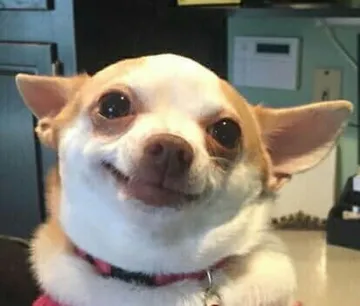
The cat staring straight at the camera — perfect for a silent, uncomfortable reply.
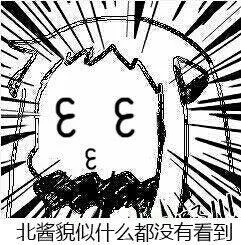
“I saw nothing” — use it to politely ignore a typo or an overshare.
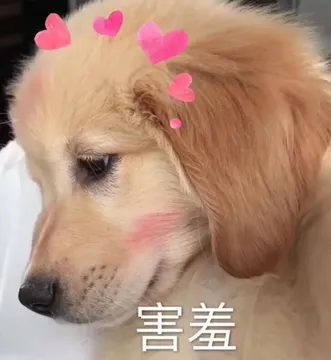
Blushing dog looking away, for a shy or slightly embarrassed reaction.
“I’m in danger” — when the group chat turns on you.
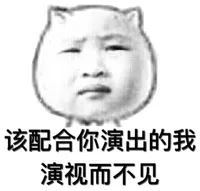
Weary side-eye for pretending not to notice an awkward comment.
The awkward shrug of wanting to belong — good for a self-deprecating moment.

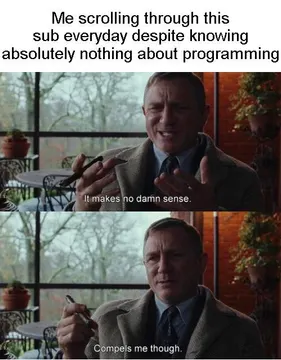
Which awkward meme fits which moment
Silent embarrassment: the staring cat (Awkward Smile Cat) or the sweating emoji. They say “no comment” without typing it.
You said something weird: the grinning monkey (吗喽尴尬笑了) or the forced-smile panda (尴尬). Both read as self-aware, not mean.
Someone else made it awkward: “I saw nothing” (北酱貌似什么都没有看到) or the weary side-eye cat (该配合你演出的我演视而不见) lets everyone move on.
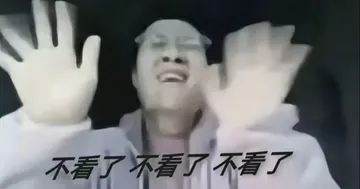
You are being teased: “I’m in danger” (Chuckles, I’m in danger) or the defensive hands-up pose (刘晓燕表情包).
How to find or make an awkward reaction
Search memecub.com for “awkward”, “sweat” or “cringe” and browse the results; copying and downloading are free and need no sign-up.
If nothing matches the exact face you have in mind, open the AI meme maker at /generate: describe the character, the action and the caption, or use any meme as a reference. It takes about 10 seconds per image and will not generate real people.
For a group chat that keeps going, paste the conversation into AI meme placement (/match) and it suggests a fitting meme for each part.
Most memes on the site are collected from the web: fine for personal chats, but the copyright stays with the original creator. If you need something for commercial use, switch on the openly licensed filter.
Tone and etiquette
Point the awkwardness at the situation or at yourself, not at the other person. A reaction meme should defuse, not shame.
One reaction per awkward beat is enough; stacking several reads as mocking.
In work chats, stick to the milder ones (sweating emoji, staring cat) and skip anything with a real person’s face pasted on.
If the awkward moment was genuinely serious, skip the meme and reply in words.
Nothing quite right? Make one
Pick a character, type a caption, get it in about 10 seconds.
More that fit

FAQ
Where can I find awkward meme GIFs?
Search “awkward” on memecub.com and pick a reaction image, or use the AI meme maker to describe the exact expression you want. For animated GIFs, GIF keyboards and GIPHY-style libraries are the usual places.
What does the awkward monkey meme mean?
It is a monkey with a stiff, toothy grin that signals “this is uncomfortable but I’m smiling through it”. Send it after a bad joke, a silence, or a message you regret.
What is the most cringe meme ever?
There is no agreed winner — cringe is personal. The ones people cite most are forced-smile faces and badly staged “how do you do, fellow kids” attempts, which is why the forced-smile panda works so well as a reaction.
Can I use these awkward memes for free?
Browsing, copying and downloading on memecub.com are free and need no account. Most images are collected from the web, so they are fine for personal chats but not for commercial use; the openly licensed filter shows images you can use commercially.
Can I make my own awkward reaction meme?
Yes. In the AI meme maker, describe the character, action and caption, or start from an existing meme as a reference. It takes about 10 seconds per image and refuses real people.