How do I set up a meme MCP server for Claude, ChatGPT or Cursor?
To set up a meme MCP server, add the remote server URL https://memecub.com/mcp to your AI client's MCP configuration. For Claude Desktop, edit claude_desktop_config.json; for Cursor, add it in Settings > MCP; for ChatGPT, use a client that supports remote MCP servers. Alternatively, install the memecub skill with npx skills add https://memecub.com for Claude Code, Codex or Cursor.
Send when comparing MCP setups and someone focuses on looks over function.
Use when asking for a clear config example instead of vague style advice.
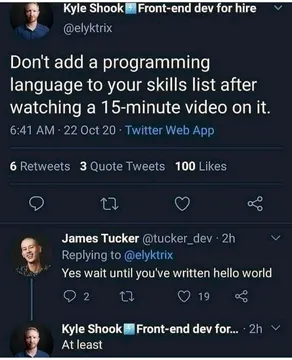
React to a first successful MCP connection with a classic hello world.
Post when your MCP setup is finally ready for serious meme searching.
Send before editing a config file that could break your whole setup.
Reply when someone suggests adding another language or tool to the stack.
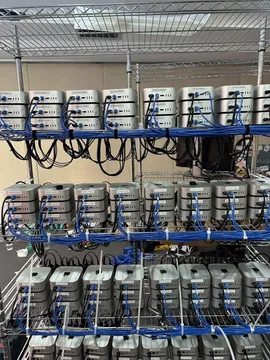
Show when your Linux MCP setup looks rough but still works.
Use when explaining how MCP servers work under the hood.
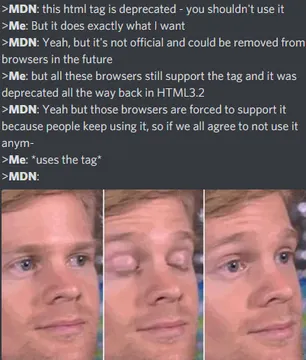
React to outdated documentation for an MCP client.
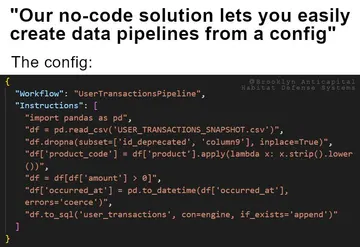
Send when someone claims no-code replaces your MCP setup.





Add the memecub MCP server to Claude, Cursor or ChatGPT
memecub provides a remote MCP server at https://memecub.com/mcp. You do not need an API key for a trial of 20 searches a day.
For Claude Desktop: open your claude_desktop_config.json file and add an entry under mcpServers. Use a command like npx memecub if you prefer a local bridge, or point to the remote URL if your client supports it.
For Cursor: go to Settings > MCP and add a new server with the URL https://memecub.com/mcp. Save and restart Cursor.
For ChatGPT: use a client that supports remote MCP servers, such as the ChatGPT desktop app with MCP enabled, and add the same URL.
After connecting, ask your assistant to search memecub for a meme, for example: “Find a meme about debugging.”
Install the memecub skill for Claude Code, Codex or Cursor
If your tool supports skills, run: npx skills add https://memecub.com
This installs a skill that lets your AI agent search memecub's meme library directly.
The skill works in Claude Code, Codex, Cursor and other compatible editors.
Use the REST API or CLI for custom integrations
For full control, use the REST API. Search costs 1 credit per call. A keyless trial allows 20 searches a day.
You can also use the CLI: npx memecub
Plans start with a free tier of 1000 credits per month. Paid plans: Hobby $3/mo (10000 credits), Pro $9/mo (50000), Scale $29/mo (250000). Credit packs start at $5.
Tone and etiquette for meme MCP servers
Most memes in memecub are collected from the web and are free for personal chats. Copyright stays with the original creators, so do not use them commercially.
A filter shows only openly licensed images (Openverse, open-source emoji, public-domain art) that can be used commercially.
When sharing memes in team chats, keep it friendly and avoid offensive content.
Nothing quite right? Make one
Pick a character, type a caption, get it in about 10 seconds.
More that fit



FAQ
How do I install a meme MCP server in Claude Desktop?
Edit claude_desktop_config.json and add an entry under mcpServers with the URL https://memecub.com/mcp or the command npx memecub. Restart Claude Desktop.
How do I add a meme MCP server to Cursor?
Open Cursor Settings > MCP, add a new server with the URL https://memecub.com/mcp, and save. Cursor will connect automatically.
How do I connect a meme MCP server to ChatGPT?
Use a ChatGPT client that supports remote MCP servers, such as the desktop app with MCP enabled, and add https://memecub.com/mcp as a server.
What is the config for a meme MCP server?
The config is a JSON entry under mcpServers with the URL https://memecub.com/mcp. For local use, you can also use the command npx memecub.
Is the meme MCP server free?
Yes, there is a keyless trial of 20 searches a day. The free plan includes 1000 credits per month, and paid plans start at $3/mo.