What are some funny confused memes to send?
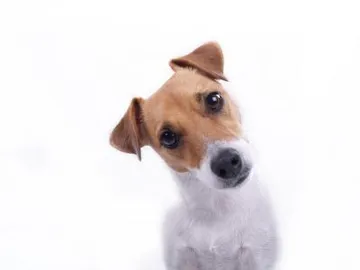
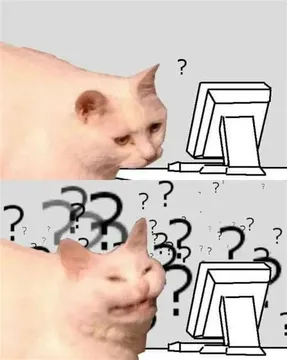
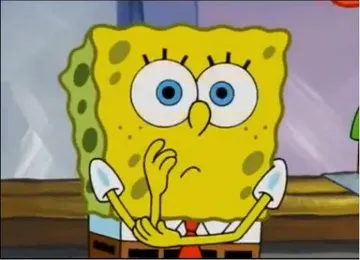
The safest picks are animal head-tilts and blank stares: a confused cat, a head-tilt dog, or SpongeBob with his hands clasped under his chin. Match the meme to the moment — a dog for a weird message, a cat at a screen for tech confusion, a wide-eyed drawing for a group chat that went off the rails. Browse memecub.com, search “confused”, and copy the one that fits.
Send when someone drops a message so odd you need a head tilt to answer it.
The reply when a link, error or app update makes no sense at all.
SpongeBob squinting with clasped hands is the polite version of “what did you just say”.
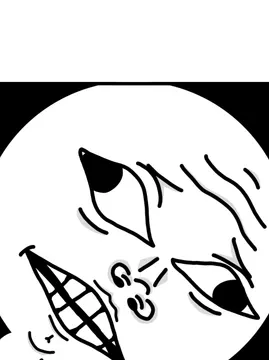
A wide-eyed line drawing that works when you are quietly lost in a group chat.
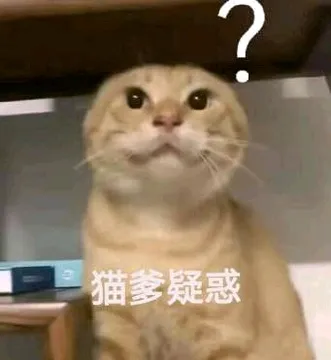
An orange cat tilting its head upward, good for a question you did not expect.
Jackie Chan gripping his hair says “my brain stopped working” better than words.
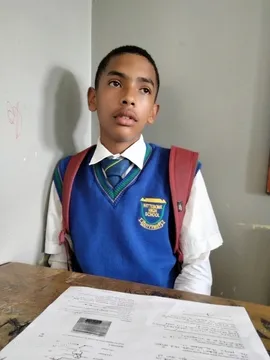
A kid at a desk with a blank look, perfect for homework, forms or meeting notes.
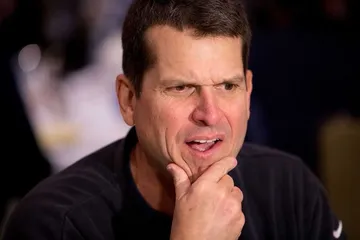
A furrowed brow and open mouth for the moment a plan stops making sense.

Which confused meme fits which moment
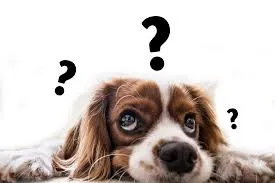
For a strange message from a friend, animal head-tilts land best: the small brown-and-white dog or the orange cat both read as “say that again”.
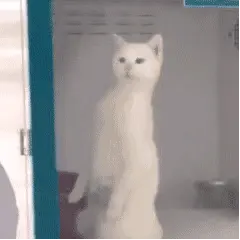
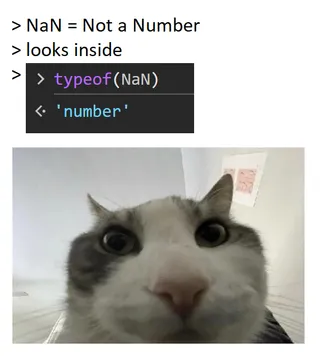
For tech confusion — a broken link, a weird update, a screen that makes no sense — use the white cat leaning at a computer or the wide-eyed line drawing.
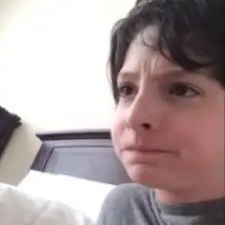
For group chats that spiral, go broader: SpongeBob squinting, Jackie Chan gripping his hair, or the kid at the desk with a blank stare. These read as “I have given up understanding” without sounding rude.
How to send one without overdoing it
Send one confused meme per conversation beat. A second one right after turns a joke into a mood.
Pair the meme with a short line like “wait, what” or “explain like I am five” so the tone stays friendly.
If you are replying to a boss or a client, pick the softer faces — the frowning woman glancing sideways or the man with his hand on his head — and skip the exaggerated ones.
On memecub.com, search “confused”, tap to copy, and paste straight into the chat. No sign-up needed.
If nothing in the library fits
Describe the scene you want — a character, an action and a caption — and the AI meme maker at /generate builds it in about ten seconds. It refuses real people, so keep it to animals, cartoons or drawings.
You can also start from any existing meme as a reference and change the caption to fit your exact situation.
Nothing quite right? Make one
Pick a character, type a caption, get it in about 10 seconds.
More that fit


FAQ
What confused memes are trending?
Animal head-tilts and the classic blank-stare faces stay popular because they work in any chat. SpongeBob squinting and Jackie Chan gripping his hair are the most reused reaction faces.
What is a good confused reaction meme for a group chat?
Use a wide-eyed face or a head-tilt animal — they read instantly even on a small phone screen. The line drawing with wide eyes is a good neutral pick.
Where can I find confused meme GIFs?
GIF keyboards and GIF sites carry animated confused reactions. memecub.com focuses on still memes you can copy and download, which is enough for most chat replies.
Can I use these confused memes commercially?
Most memes on memecub are collected from the web and are for personal chats only; copyright stays with the original creators. Use the filter for openly licensed images if you need something for commercial work.
What if I cannot find the exact confused face I want?
Describe the character, action and caption in the AI meme maker and it generates a new one. Starting from an existing meme as a reference is the fastest route.