Where can I find GIFs for WhatsApp?
WhatsApp has its own GIF search: open a chat, tap the sticker icon, switch to GIF, search and tap Send. You can also send a GIF you already have by tapping Attach > Gallery and picking the file, or download a meme from a site like memecub.com and send it as an image or sticker. Sending GIFs in a chat costs nothing beyond your normal data or Wi-Fi.
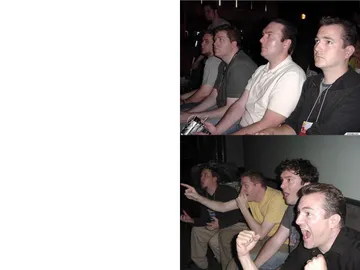
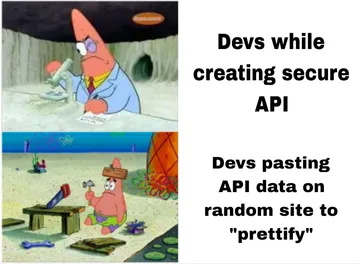
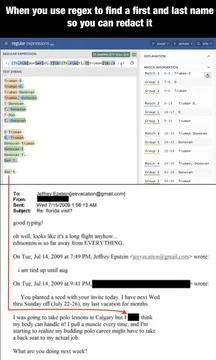
Send when a friend drops a wild claim in the group chat and you need the perfect silent reaction.
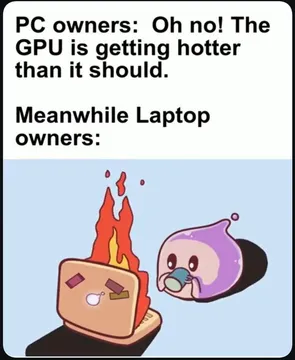
Good for replying to news that lands differently on each person in a group.
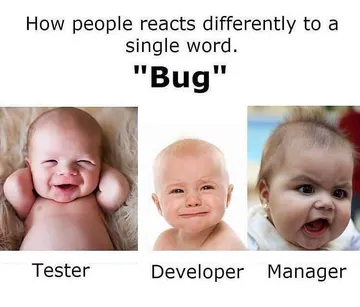
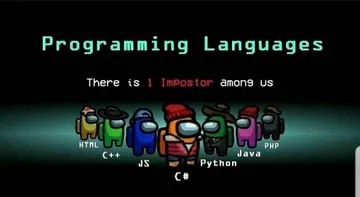
Use when the group chat splits into very different reactions to the same message.
The before-and-after reaction shot for when plans change at the last minute.
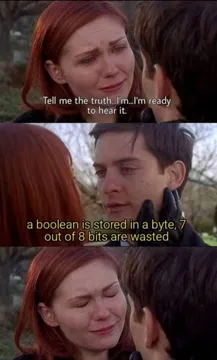
Send when someone finally tells the truth after a long buildup.
For the friend who says they are free this weekend and then disappears into work.
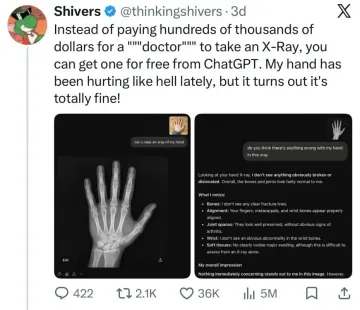
A dry reaction for when a tool or assistant answers something completely off.


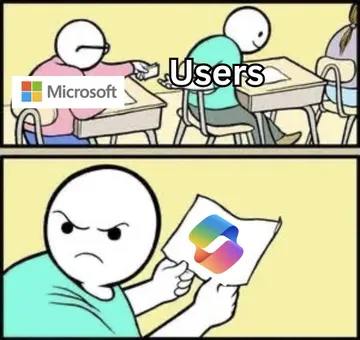
The three places GIFs come from in WhatsApp
Built-in GIF search: open a chat, tap the sticker icon, switch to the GIF tab, tap search, type a word and tap the GIF you want. This is the fastest route and works on both iPhone and Android.
Your own gallery: tap Attach (the paper clip), choose Gallery, and pick a GIF or short video saved on your phone. WhatsApp can send a short video as a GIF.
A meme library: download an image or GIF from a site like memecub.com, then send it from your gallery or add it to your stickers. This is how you get memes that the built-in search does not have.
Sending a downloaded meme as a GIF or sticker
Save the meme to your phone from the website. On iPhone it lands in Photos; on Android it lands in Downloads or Pictures.
In WhatsApp, open the chat, tap Attach, then Gallery, and select the file. If it is a still image, it sends as a photo; if it is an animated file, it plays like a GIF.
To reuse it often, open the sticker tray, tap the plus or add-sticker option, and import the image from your gallery so it sits in your sticker collection.
Keep the file small and the caption short. A meme that needs explaining usually lands worse than one that speaks for itself.
Tone and etiquette
Match the room. A reaction meme works in a friends' group; in a work chat, check that the joke fits the people and the moment.
One meme per message is enough. Sending a burst of them buries the actual conversation.
Most memes collected from the web are fine for personal chats, but the copyright stays with the original creators, so do not use them in ads or commercial posts. If you need something you can use commercially, look for openly licensed images.
If nothing in the library fits, the AI meme maker at memecub.com/generate lets you describe a character, an action and a caption and get a custom image in about ten seconds.
When the built-in search has nothing
The built-in GIF search is powered by a third-party library, so niche or very new jokes may not be there yet.
Search memecub.com by keyword, copy or download the meme, and send it from your gallery. Browsing, searching, copying and downloading on the site are free and need no sign-up.
For a running joke with one friend, build a small set of saved stickers so you can reply in one tap.
Nothing quite right? Make one
Pick a character, type a caption, get it in about 10 seconds.
More that fit



FAQ
Where are GIFs on WhatsApp?
They live in the sticker tray. Open a chat, tap the sticker icon, and switch to the GIF tab, where you can search and send.
How do I send a GIF from my gallery on WhatsApp?
Tap Attach (the paper clip), choose Gallery, and pick the GIF or short video. WhatsApp sends short videos as GIFs.
How do I add my own GIF to the WhatsApp sticker library?
Open the sticker tray, tap the add or plus option, and import the image from your gallery. It then appears with your other stickers.
Is it free to send GIFs on WhatsApp?
Yes. Sending GIFs uses your normal data or Wi-Fi connection; there is no extra charge from WhatsApp.
How do I put a meme in WhatsApp?
Download the meme to your phone, then send it from Gallery or save it as a sticker. Sites like memecub.com let you search and download memes for personal chats without signing up.