How do I use a reaction GIF API in JavaScript?
To use a reaction GIF API in JavaScript, send an HTTP request to the API's search endpoint with your query (like 'thumbs up') and an API key, then parse the JSON response to get GIF URLs. For example, with memecub's REST API, you can fetch reaction memes using fetch and display them in your app. Always check the API's terms for commercial use and rate limits.
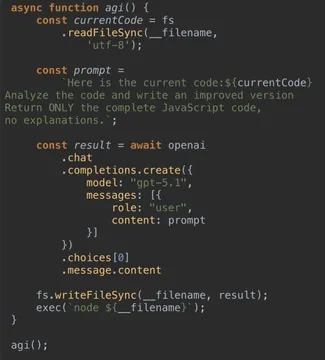
Send when you're deep in code and finally get the API call working.
Use when someone suggests using a deprecated API or a complicated workaround.
Post when you're deciding between multiple GIF API providers and weighing the trade-offs.
Share when you're staring at a blank screen trying to debug your fetch request.
React with this when a teammate suggests yet another GIF API integration.
Use when you're explaining async/await in the context of API calls.
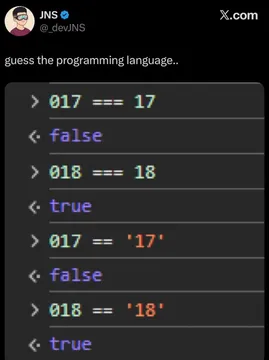
Send when you're frustrated with JavaScript's quirks while parsing API responses.
Post when someone insists on using an outdated API method.
Share when you see callback hell in API integration code.
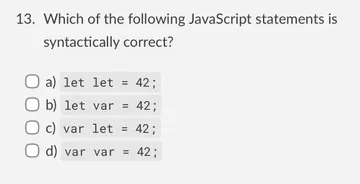
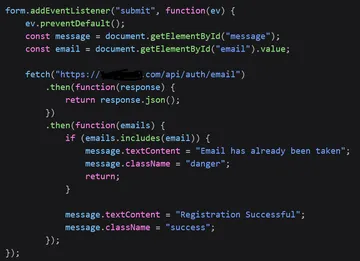
Use when you're debugging a syntax error in your API request.






How to call a reaction GIF API from JavaScript
Most reaction GIF APIs, including memecub's REST API, use a simple HTTP GET request with a search query. You need an API key for authentication, though memecub offers a keyless trial with limited daily searches.
Here's a minimal example using fetch:
javascript
const response = await fetch('https://api.memecub.com/search?q=thumbs+up', {
  headers: { 'Authorization': 'Bearer YOUR_API_KEY' }
});
const data = await response.json();
console.log(data.results[0].url); // URL of the first GIF
Replace YOUR_API_KEY with your actual key. The response typically includes an array of GIF objects with URLs, titles, and dimensions.
Displaying GIFs in your web app
Once you have the GIF URL, you can display it using an <img> tag. For example:
javascript
const img = document.createElement('img');
img.src = data.results[0].url;
document.body.appendChild(img);
If you're using a framework like React, you can set the src attribute of an <img> element in your component's state.
Choosing a reaction GIF API
Several providers offer reaction GIF APIs, such as GIPHY, Tenor, and memecub. GIPHY and Tenor are popular but may require API keys and have usage limits. Memecub provides a free tier with 1000 credits per month and a keyless trial of 20 searches per day.
Consider your needs: if you want a wide variety of memes and a simple REST API, memecub is a good option. For commercial use, check the licensing: memecub's web-collected memes are for personal use only, but it offers a filter for openly licensed images that can be used commercially.
Let your AI find the memes
REST API, remote MCP, CLI and a skill. Try 20 searches a day without a key.
More that fit
FAQ
Do I need an API key to use a reaction GIF API?
Most reaction GIF APIs require an API key for authentication. However, memecub offers a keyless trial with 20 searches per day, so you can test it without signing up.
Can I use reaction GIFs from an API for commercial purposes?
It depends on the API and the specific GIFs. Memecub's web-collected memes are for personal use only, but you can filter for openly licensed images that are safe for commercial use. Always check the API's terms of service.
How do I handle errors when calling a reaction GIF API?
Wrap your fetch call in a try-catch block and check the response status. For example, if the API returns a 401, your API key might be invalid. Also, handle cases where no GIFs are found.
Is there a free reaction GIF API?
Yes, memecub offers a free tier with 1000 credits per month, and a keyless trial. Other providers like GIPHY and Tenor have free tiers with rate limits.