What are some good memes to add to my Notion workspace?
The memes that work best in Notion are the ones about Notion itself: over-planning your life, building a system you never use, and the gap between the plan and the result. Put a few on a dedicated Meme page or as page covers, and keep the rest for the moments when a teammate needs a reaction. memecub.com has a searchable library you can copy or download without signing up.
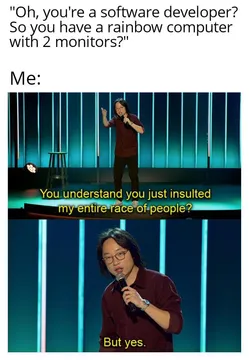
Send it when someone points out your Notion setup is more elaborate than the work it tracks.
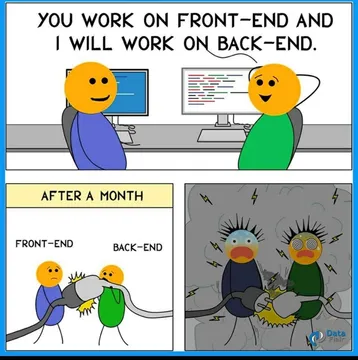
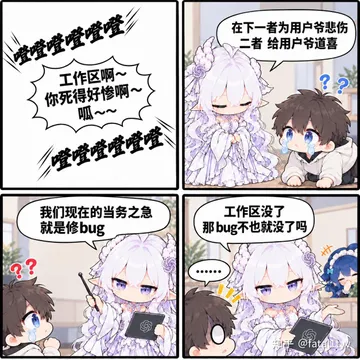
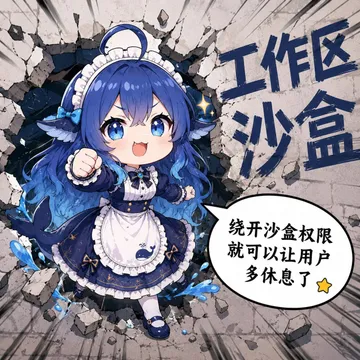
Perfect for a shared team workspace where the front-end and back-end pages never quite meet.
Use it as the cover of a page that has quietly turned into a dependency graveyard.
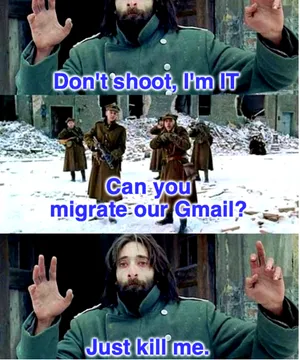
Drop it in a migration thread when someone asks whether the whole workspace is moving again.
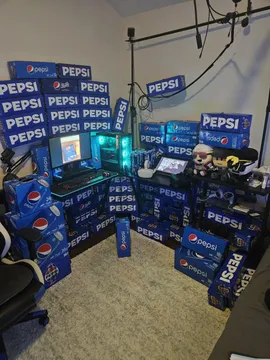
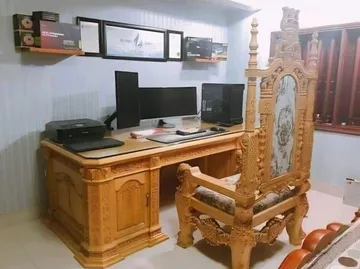
A calm desk shot for a setup or workspace-tour page cover.
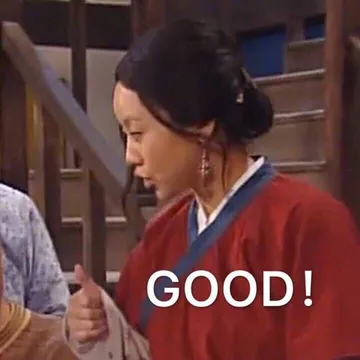
A quick thumbs-up reaction for a task someone finally marked done.
A soft celebratory reaction for a small win logged in a habit tracker.
Minimal doodle that works as a light header on a simple page.

Where memes actually fit in Notion
Page covers and headers are the easiest spot: a wide, simple image reads well behind a title, so pick something with empty space rather than a busy four-panel comic.
A dedicated Meme page or a gallery view inside a team space works better for reaction images. Add a short caption property so people know when to use each one.
Inline images inside a doc are fine for a joke in context, but keep them small so they do not push the actual content down the page.
How to add one in a few steps
Search memecub.com for the mood you want, then copy the image or download it. Browsing, searching, copying and downloading are free and need no account.
In Notion, hover over the page title and choose Add cover, or type /image to place one inside the page body.
For a meme collection, create a gallery database with an image property and a text property for the caption, then drag each file in.
Tone and copyright
Most memes in the library are collected from the web: fine for personal chats and your own workspace, but copyright stays with the original creators, so do not use them in anything commercial.
If a page is client-facing or part of a product, switch on the filter for openly licensed images (Openverse, open-source emoji, public-domain art) so the picture can be used commercially.
Keep the joke aimed at the system, not at a person. A meme about over-engineering your Notion is funny; one about a colleague is not.
If nothing in the library fits
The AI meme maker at memecub.com/generate lets you describe a character, an action and a caption, or start from an existing meme as a reference. It takes about ten seconds per image and refuses real people.
For a long doc, the AI meme placement tool takes a pasted article and picks a fitting meme for each paragraph, which is handy when you are turning meeting notes into a readable page.
Nothing quite right? Make one
Pick a character, type a caption, get it in about 10 seconds.
More that fit



FAQ
What memes should I use for a Notion cover?
Pick a wide image with space in the middle so the page title stays readable. Simple doodles and calm desk or workspace shots work better than dense multi-panel comics.
Are memes from memecub free to use in Notion?
Browsing, searching, copying and downloading are free and need no sign-up. Most images are collected from the web, so they are fine for personal pages but not for commercial use; the openly licensed filter shows images you can use commercially.
How do I make a meme page in Notion?
Create a page, add a gallery database, and give it an image property plus a caption property. Then add each meme as a row so you can search and filter them later.
Why do people joke about leaving Notion?
The common joke is that the workspace becomes a project of its own: you keep building and reorganizing the system instead of doing the tasks inside it. Memes about over-planning land because most users recognize the habit.
Can I generate a custom meme for my workspace?
Yes. Describe the character, action and caption in the AI meme maker, or use an existing meme as a reference. It takes about ten seconds per image and will not generate real people.