How do I connect a meme MCP server to Claude?
To connect a meme MCP server to Claude, add the server's URL to your Claude configuration: in Claude Desktop, edit claude_desktop_config.json and add an entry under mcpServers with the URL https://memecub.com/mcp; in Claude Code, run a command like claude mcp add memecub --url https://memecub.com/mcp. After restarting Claude, you can ask it to search for a meme, and it will call the server's tools. memecub's remote MCP server is keyless for a trial of 20 searches a day, and you can also install its skill with npx skills add https://memecub.com.
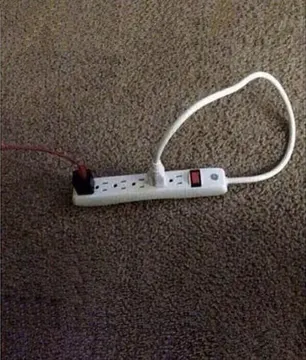
Send when the MCP server finally shows up as connected in Claude.
Use after your first successful meme search returns results.
For the moment Claude says it is connected but no tools appear.
Celebrate when Claude sends its first meme without extra prompting.
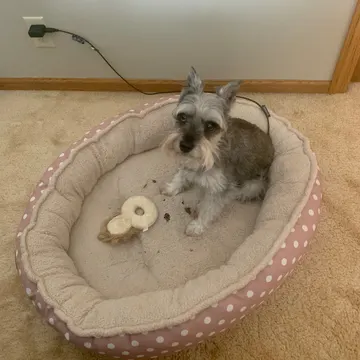
A patient dog face for waiting on the config file to reload.
When the setup suddenly works after a restart.
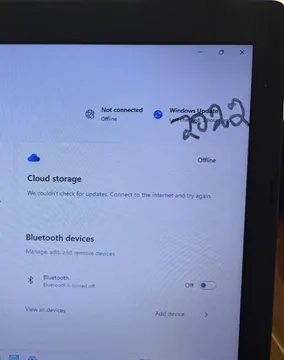
For debugging why Claude cannot reach the MCP endpoint.
When you decide to go back to manually pasting memes.




Add the server in Claude Desktop
Open your Claude Desktop config file (claude_desktop_config.json) and add an mcpServers entry. For memecub's remote server, the entry looks like this:
{"mcpServers": {"memecub": {"url": "https://memecub.com/mcp"}}}
Save the file and restart Claude Desktop. The server's tools should then appear in Claude's tool list, and you can ask Claude to search for a meme.
Add the server in Claude Code
In a terminal, run: claude mcp add memecub --url https://memecub.com/mcp
Then start Claude Code and ask it to find a meme. You can also install memecub's skill with npx skills add https://memecub.com, which works in Claude Code, Codex, Cursor and other tools.
The remote MCP server is keyless for a trial of 20 searches a day; a memecub plan raises that limit.
Tone and etiquette when sending memes
Most memes in memecub are collected from the web: they are free for personal chats, copyright stays with the original creators, and they are not for commercial use. Use the filter for openly licensed images (Openverse, open-source emoji, public-domain art) if you need commercial use.
Keep it friendly: send a meme when it adds context or a laugh, not as a replacement for a clear answer. If nothing in the library fits, the AI meme maker at /generate can create one from a description in about 10 seconds.
Let your AI find the memes
REST API, remote MCP, CLI and a skill. Try 20 searches a day without a key.
More that fit




FAQ
Can I upload GIFs to Claude?
Claude's chat interface accepts images, but GIF support depends on the client. With a meme MCP server, Claude can search and return meme images directly instead of you uploading them.
How do I insert memes into Claude?
Connect a meme MCP server such as memecub's, then ask Claude to find a meme for your message. Claude calls the server and includes the result in its reply.
Can you put images into Claude?
Yes, you can attach images in Claude chats. For memes, an MCP server lets Claude fetch them by search, which is faster than uploading one by one.
How do I install a meme tool in Claude?
Add the MCP server URL to your Claude Desktop config or use claude mcp add in Claude Code. memecub also offers a skill installable with npx skills add https://memecub.com.
Is the meme MCP server free?
memecub's remote MCP server has a keyless trial of 20 searches a day. The free plan gives 1000 credits a month, and paid plans start at $3/mo.