What can a meme MCP server actually do for my AI agent?
A meme MCP server exposes tools that let your AI agent search a meme library, generate custom memes from a prompt, and place memes into text. With memecub's remote MCP server at https://memecub.com/mcp, your agent can call search (1 credit per call) and other endpoints without you writing glue code. You can also install the memecub skill with npx skills add https://memecub.com into Claude Code, Codex, or Cursor.
Send when the agent returns a surprisingly good meme match and you want to show you're impressed.
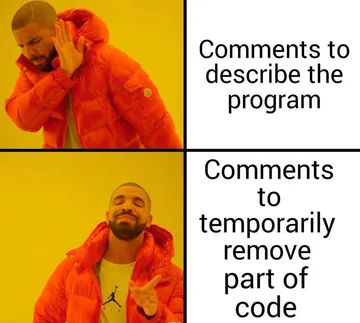
Use when the agent finds a meme that perfectly fits a niche technical joke.
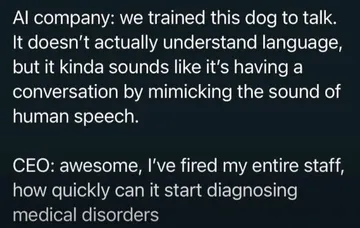
React to an AI-generated meme that is absurdly on point about AI training.
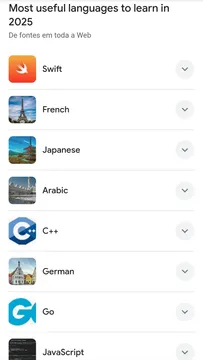
Share when the agent picks a meme about programming languages for a dev chat.
Send when the agent's meme placement is unexpectedly clever.
Use as a lighthearted reaction when the agent surprises you with a cute meme.
Post when the agent's meme choice shows big-brain energy.
Send when the agent rejects a bad meme suggestion and picks a better one.
React when the agent's meme game is mind-blowing.
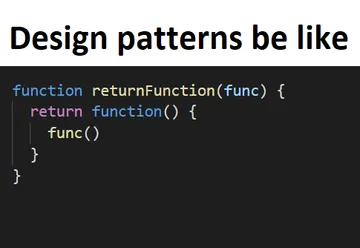
Use when the agent delivers a meme that is surprisingly elegant.







What tools does a meme MCP server expose?
A meme MCP server typically provides tools for searching memes, generating memes from text, and placing memes into content. For example, memecub's MCP server offers a search tool (1 credit per call) and connects to the AI meme maker and placement features.
The search tool lets your agent find memes by keyword or description. The generate tool creates a new meme from a prompt describing character, action, and caption, taking about 10 seconds per image and costing 500 credits. The match tool takes an article and picks a fitting meme for each paragraph.
How to connect your agent to a meme MCP server
For memecub, add the remote MCP server URL https://memecub.com/mcp to your MCP client configuration. You can also use the CLI npx memecub or install the skill with npx skills add https://memecub.com into Claude Code, Codex, Cursor, and others.
A keyless trial gives you 20 searches a day. For more usage, sign up for a plan: free 1000 credits a month, Hobby $3/mo (10000 credits), Pro $9/mo (50000), Scale $29/mo (250000), or credit packs from $5.
When to use which meme tool
Use search when you need a quick reaction meme from the library. Use generate when nothing fits and you want a custom meme from a prompt. Use match when you have a long text and want memes placed automatically.
Remember that most memes are collected from the web and are free for personal chats only; copyright stays with original creators. A filter shows openly licensed images that can be used commercially.
Alternatives and comparisons
Other meme MCP servers like haltakov/meme-mcp use the ImgFlip API to generate memes from templates. memecub offers a broader set of tools including search, generation, and placement, plus a free tier with 1000 credits a month.
If you need a simple meme generator, ImgFlip-based servers work. If you want an agent that can search a curated library and place memes contextually, memecub's MCP server is a good fit.
Let your AI find the memes
REST API, remote MCP, CLI and a skill. Try 20 searches a day without a key.
More that fit





FAQ
What is a meme MCP server used for?
It lets AI agents search, generate, and place memes via the Model Context Protocol, so your agent can add humor or visual context to conversations and content.
Why should I give my AI agent meme tools?
Meme tools make interactions more engaging and help the agent communicate tone or emotion. They are useful for social media, chat responses, and content creation.
Is there a free meme MCP server?
memecub offers a keyless trial with 20 searches a day and a free plan with 1000 credits a month. Other servers may have their own pricing.
Can I use memes from the MCP server commercially?
Most memes are collected from the web and are for personal use only. Use the filter for openly licensed images if you need commercial use.
How do I install the memecub skill?
Run `npx skills add https://memecub.com` in your terminal to install it into Claude Code, Codex, Cursor, and other compatible tools.