How can I use memes in my blog to increase engagement?
Put memes where readers usually drop off: right after the headline, at the end of a long section, and next to a step that is easy to get wrong. Pick a meme that comments on the point you just made rather than one that just looks funny, keep the caption short, and check the license before you publish. If nothing in a library fits, memecub's AI meme maker lets you describe a character, action and caption and get a matching image in about ten seconds.
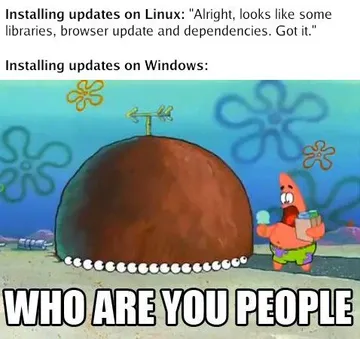
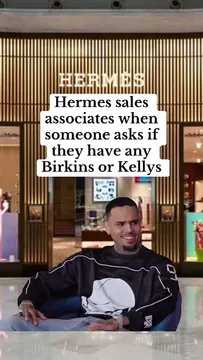
Send it when a simple how-to step turns out to open a much bigger problem.
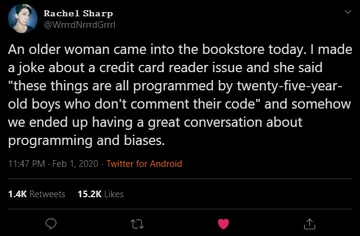
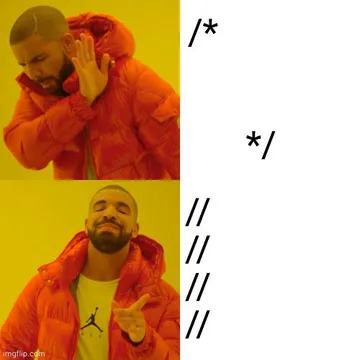
Use it in a developer or tutorial post right before you explain why comments matter.
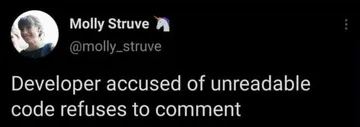
A good fit for a post about code review or naming things badly.
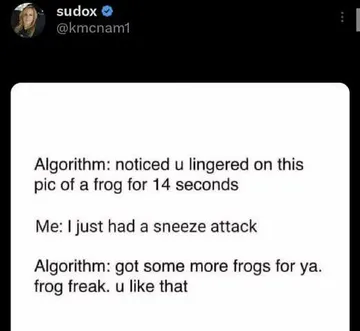
Drop it into a post about feeds, personalization or recommendation algorithms.
Use it as a reaction image when you describe a moment of quiet confusion.
Place it next to a prediction or trend you are skeptical about.
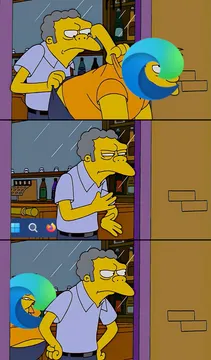
Works in a post about chores, maintenance work or repetitive tasks.
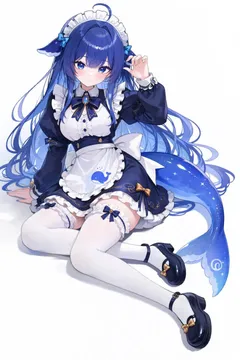
Good for a post about small audiences, newsletters or early traffic.

Where memes actually help in a post
The top of the post is the highest-value spot: a meme right under the headline gives readers a reason to keep scrolling before they decide to leave.
Mid-post, place a meme at the end of a long section or right before a step that is easy to get wrong. It acts as a small reward and a visual break.
Skip the conclusion. A meme after the takeaway distracts from the call to action; if you want one, put it just before the summary instead.
Choosing a meme that fits the point
Match the meme to the sentence it follows, not to the topic of the whole post. A reaction image that says “that is exactly the problem” works better than a generic funny picture.
Keep the caption to one line. If the meme needs explaining, it is the wrong meme.
For a long article, paste the draft into memecub's AI meme placement tool and it suggests a fitting meme for each paragraph, which you can then swap for one you prefer.
If nothing in the library fits, use the AI meme maker: describe the character, the action and the caption, or start from an existing meme as a reference. It refuses real people, so you stay clear of likeness issues.
Tone, etiquette and copyright
One or two memes per post is usually enough. A wall of them makes the article feel like filler and readers stop trusting the text.
Most memes in libraries are collected from the web: fine for personal chats, but copyright stays with the original creator and they are not for commercial use. On a monetized or brand blog, use the filter that shows only openly licensed images (Openverse, open-source emoji, public-domain art) which can be used commercially.
Avoid memes that punch down at people or rely on someone's real face. The joke should be about the situation, not a person.
Browsing, searching, copying and downloading on memecub.com are free and need no sign-up, so you can test a few options before committing.
Doing it at scale
If you publish often, the REST API lets you search memes from your own tooling, and the remote MCP server at https://memecub.com/mcp plus the CLI npx memecub plug the same search into AI assistants and editors.
There is a keyless trial of 20 searches a day, which is enough to try the workflow before deciding whether to automate it.
Nothing quite right? Make one
Pick a character, type a caption, get it in about 10 seconds.
More that fit


FAQ
Do memes help with blog engagement?
They help most with time on page and sharing, because they give readers a visual break and something easy to quote. They do not fix a weak article, so use them to support a clear point rather than to replace one.
Is posting memes illegal?
Not automatically, but most memes are built on images someone else owns. For personal, non-commercial blogs the risk is usually low; for commercial use, stick to openly licensed or public-domain images, which memecub's license filter surfaces.
What is the difference between GIFs and memes?
A GIF is a file format that can hold a short animation; a meme is a reusable joke format, which may be a still image, a GIF or a short video. The same meme can exist in several formats.
What makes a post a meme?
A recognizable template plus a caption that twists it for a new situation. The template carries the joke and the caption makes it specific to your point.
How many memes should a blog post have?
Usually one or two. Add another only where the post has a natural pause, such as the end of a long section.