How do I add a GIF to a Slack message?
To add a GIF to a Slack message, click the smiley face icon in the message field and choose GIFs, then search and select one. On mobile, tap the smiley face, then GIFs. You can also upload a GIF file directly or add one as a custom emoji for reactions.
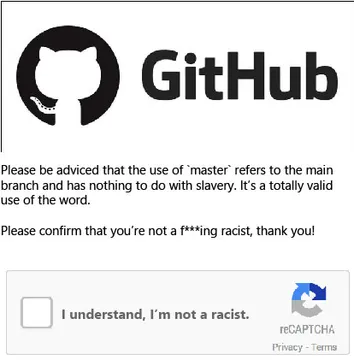
Send when you have just fixed a bug and want to say “Here you go, fixed it!” with a GitHub-themed meme.
Use for a quick, explosive reaction when something big happens in the chat.
A playful way to offer something, like a treat or a helpful link, with a rainbow lollipop.
Perfect for asking “W or L?” when sharing a questionable idea or trick.
Send when reminiscing about early days at work or a project’s hopeful start.
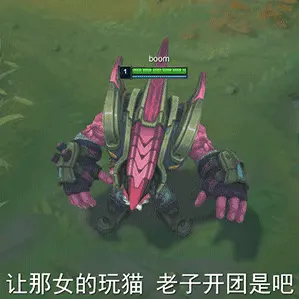
Use as a reaction when someone starts a group activity or “team fight” in chat.
A friendly “here you go” meme when sharing a resource or small gift.
Great for fans of DeepSeek or AI-themed chats, showing a cute character in action.
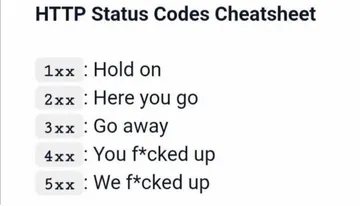
Send when you are trying to express sadness but want to keep it light with a programming joke.
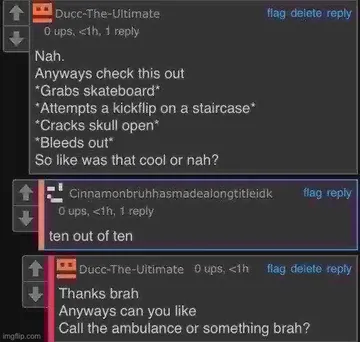
A dramatic “you’re dead” meme for gaming moments or playful trash talk.







Using Slack’s built-in GIF picker
In any Slack message field, click the smiley face icon (or the plus icon on mobile) and select GIFs. Type a keyword to search, then click a GIF to insert it into your message.
On desktop, you can also type /giphy followed by a search term to quickly pull up a GIF. On mobile, tap the smiley face, then GIFs, and search as usual.
Uploading a GIF file
If you have a GIF saved on your device, drag and drop it into the message field or click the plus icon and choose Upload a file. Select your GIF and send it like any other attachment.
This method works for GIFs you have downloaded from memecub or other sources. Keep in mind that web-collected memes are for personal use only.
Adding GIFs as custom emoji
Workspace admins can add custom emoji, including animated GIFs, in Settings > Customize > Emoji. Once added, anyone can use them as reactions or inline in messages.
For personal chats, you can use memecub to find reaction GIFs and download them for uploading as custom emoji if you have permission.
Nothing quite right? Make one
Pick a character, type a caption, get it in about 10 seconds.
More that fit





FAQ
How do I send a GIF in Slack?
Click the smiley face icon in the message field, choose GIFs, search for one, and click to send. On mobile, tap the smiley face, then GIFs.
How do I post a GIF in Slack chat?
You can post a GIF by using the built-in GIF picker, uploading a GIF file, or adding a GIF as a custom emoji and using it in your message.
Can I use memecub GIFs in Slack?
Yes, you can download GIFs from memecub and upload them to Slack. Most memes are collected from the web and are free for personal chats, but not for commercial use.
What are Slack reaction GIFs?
Slack reaction GIFs are animated images used to react to messages, often added as custom emoji or sent as replies. They can make conversations more expressive.
How do I make a custom Slack emoji from a GIF?
Workspace admins can go to Settings > Customize > Emoji and upload a GIF as a custom emoji. It will then be available for everyone in the workspace.