What are some funny frontend memes to send?
For frontend laughs, send memes about CSS pain, responsive design disasters, browser overload, and the classic frontend vs backend split. Good picks from memecub include “Responsive Design, But It's A Cat” for layout squeezes, “The anatomy of a developer's browser” for tab hoarding, and “Frontend Vs Backend: The Two Faces Of Web Development” for team jokes. Browse memecub.com, copy or download for free, and drop them in your team chat.
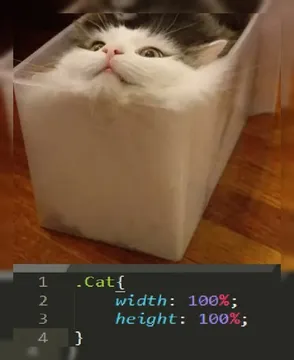
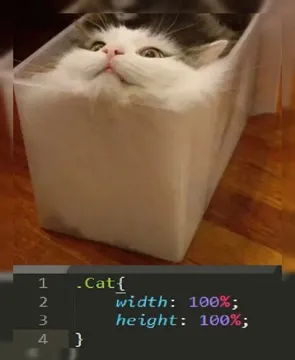
Send when a layout gets squeezed into a tiny screen and still has to look right.
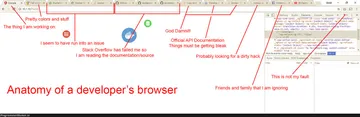
Perfect for the moment someone shares their screen and has dozens of tabs open.
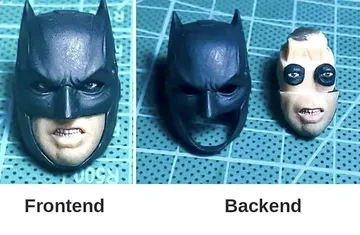
Use when frontend and backend devs debate who has the harder job.
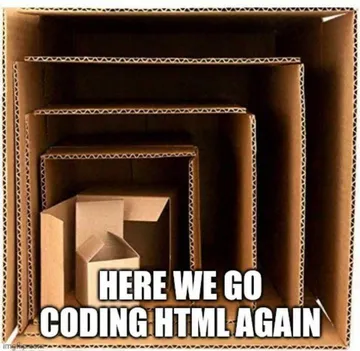
Send when a simple div turns into a nesting nightmare of wrappers.
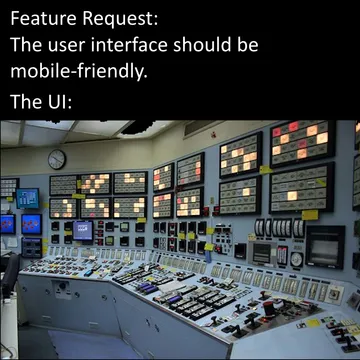
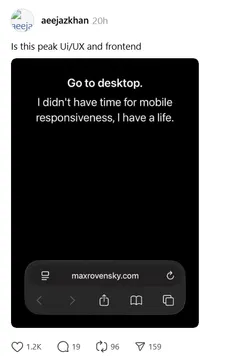
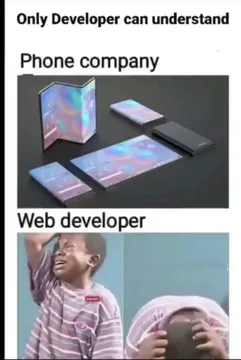
For when a mobile feature request turns into a responsive design horror story.
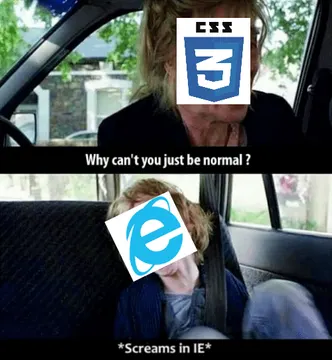
A quick reaction for any CSS bug that makes you question your career.
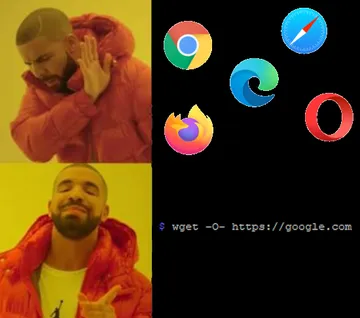
When someone insists their browser is fine and refuses to switch.
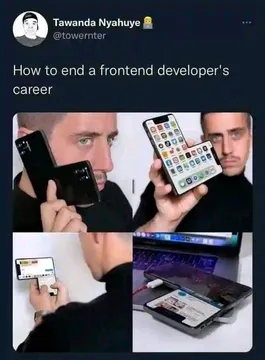
Send to the teammate who tests layouts by torturing their phone.
Which frontend meme fits the moment
CSS problems: use “CSS” or “CSS what a joke” when a style refuses to apply or a layout breaks for no reason.
Responsive design: “Responsive Design, But It's A Cat” and “Responsive Design Nightmare” are for squeezed layouts and mobile requests that break everything.
Browser chaos: “The anatomy of a developer's browser” and “Best Browser Hidden In Plain Sight” fit tab hoarding and browser debates.
Team dynamics: “Frontend Vs Backend: The Two Faces Of Web Development” works for the classic frontend vs backend argument.
How to send a frontend meme without extra friction
Open memecub.com, search for a term like CSS, responsive, or browser, then copy the image or download it.
Paste it directly into Slack, Teams, Discord, or a group chat. No sign-up is needed for browsing, searching, copying, or downloading.
If you need a custom caption, use the AI meme maker at /generate: describe a character, an action, and a caption, or start from an existing meme as reference. It takes about 10 seconds per image and refuses real people.
Tone and etiquette for frontend memes
Keep it light: frontend memes land best when they target the situation, not a person. Avoid sending the same joke repeatedly in serious threads.
Most memes on memecub are collected from the web and are free for personal chats; copyright stays with the original creators, so don't use them commercially.
If you need something for a public or commercial context, use the filter that shows only openly licensed images from Openverse, open-source emoji, and public-domain art.
Nothing quite right? Make one
Pick a character, type a caption, get it in about 10 seconds.
More that fit



FAQ
What are some frontend meme templates?
Common templates include CSS struggle images, responsive design fails, browser tab overload, and frontend vs backend comparisons. On memecub you can search for these themes and copy or download the ones that fit.
Where can I find frontend developer memes?
memecub.com has a searchable meme library with frontend topics like CSS, responsive design, and browsers. Browsing, searching, copying, and downloading are free and require no sign-up.
What are some relatable frontend memes?
Relatable ones include “Responsive Design, But It's A Cat” for squeezed layouts, “The anatomy of a developer's browser” for too many tabs, and “Frontend Vs Backend: The Two Faces Of Web Development” for team jokes.
What does frontend vs backend mean?
Frontend is the part users see and interact with in the browser; backend is the server-side logic and data. Memes often play on frontend focusing on looks while backend focuses on whether it actually works.
Can I make a custom frontend meme?
Yes. Use the AI meme maker at memecub.com/generate: describe a character, an action, and a caption, or start from any meme as reference. It takes about 10 seconds per image and refuses real people.