What Christmas meme GIFs can I send?
You can send Christmas meme GIFs from GIF keyboards like GIPHY and Tenor, or grab a still Christmas meme from a library like memecub and send it as an image. For most chats, match the GIF to the moment: Buddy the Elf for over-the-top excitement, Santa checking his list for gift or deadline jokes, and a tired elf or Santa comic for the last day before the holiday break.
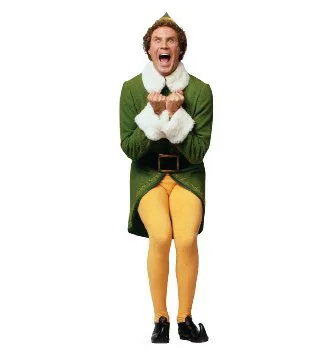
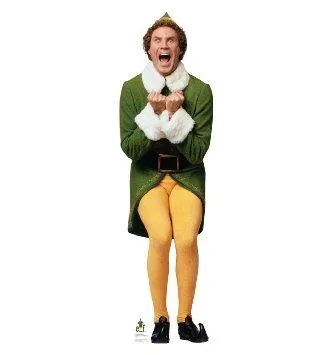
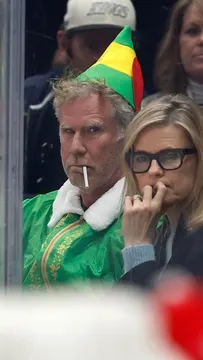
Send when you are visibly too excited about the holidays, like Buddy in the elf coat.
The classic Buddy the Elf shot for a cheerful “I’m here” message in a group chat.
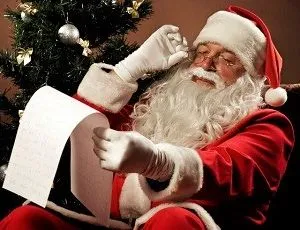
Santa checking his list fits gift-list jokes, Secret Santa reminders and deadline nudges.
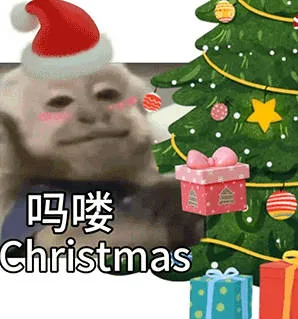
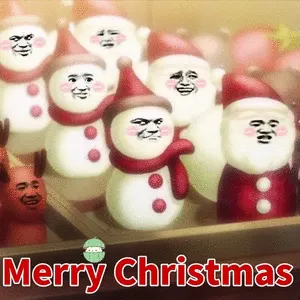
A smug monkey in a Santa hat for a low-effort but festive reply.
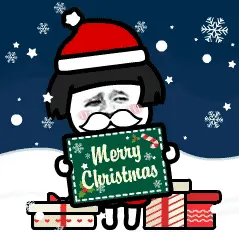
A panda in a Santa hat and beard when you want a cute, simple Christmas greeting.
Send to coworkers when someone ships a change right before the holiday break.
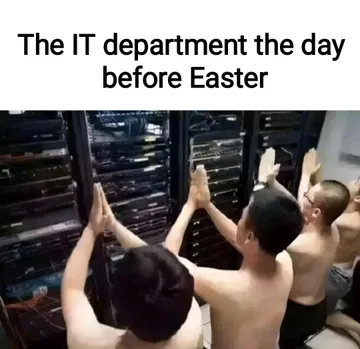
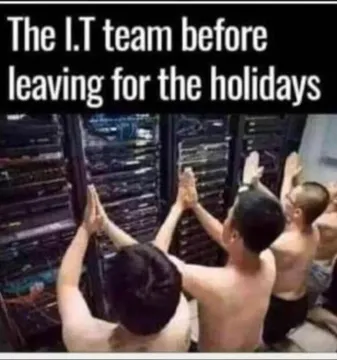
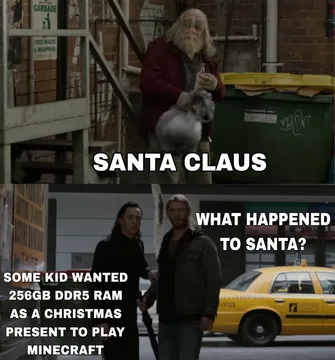
For the IT or on-call team staying behind while everyone else leaves for the holidays.
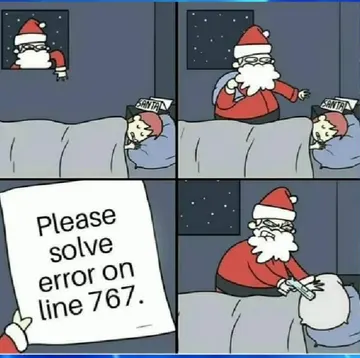
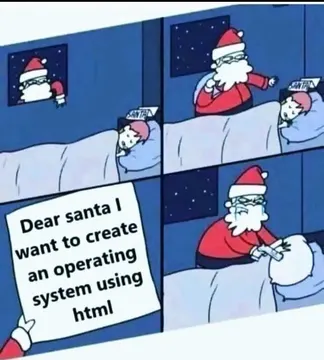
A Santa comic about an error on line 767, for debugging jokes over the holidays.
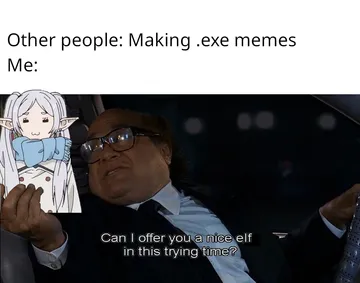
Offer an elf instead of a meme when the chat has gone quiet and needs a nudge.
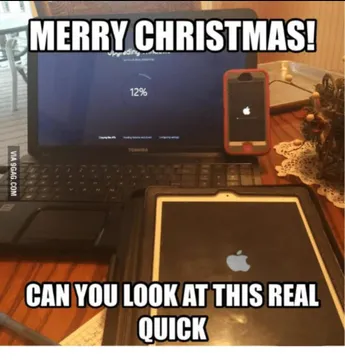
Devices at low battery on Christmas morning, for anyone who forgot to charge before the day.
GIF or still image: which to send
Animated GIFs work best for quick reactions in personal chats and group texts: a waving Santa, a dancing elf, a tree lighting up. GIF keyboards such as GIPHY and Tenor are built for this and let you search and send in a couple of taps.
Still Christmas memes work better when the joke is in the caption or the panel layout, like a Santa comic or a two-panel joke. Save the image and send it as a photo, or copy it straight into the chat.
Matching the meme to the moment
Excited greeting: Buddy the Elf images carry the loud, happy holiday energy people expect in a group chat.
Gifts and lists: Santa checking his list suits Secret Santa reminders, wish-list requests and “did you get mine yet” messages.
Work and on-call: the shirtless-men-before-server-racks memes and the Santa error comic land with developer and IT teams, especially around a holiday code freeze.
Low-effort replies: a panda or monkey in a Santa hat is a fast way to answer a Christmas greeting without writing a paragraph.
Tone and etiquette
Keep it short. One meme per message is usually enough; a wall of GIFs buries the actual greeting.
Check the room. Family and work chats usually take cheerful Santa and elf images well; edgier jokes are better saved for friends who share that humor.
Mind the source. Most memes collected from the web are fine for personal chats, but the copyright stays with the original creator, so don’t reuse them in ads or branded posts. If you need something for commercial use, filter for openly licensed images.
If nothing in the library fits, memecub’s AI meme maker lets you describe a character, action and caption and get a custom Christmas image in about ten seconds.
Making your own Christmas meme
Start from a meme you like as a reference, then describe the change you want: a character, an action and a caption. The AI meme maker refuses real people, so stick to cartoon, animal or fictional characters.
For a written Christmas message, paste the text into AI meme placement and it picks a fitting meme for each paragraph, which is handy for a newsletter or a long group update.
Nothing quite right? Make one
Pick a character, type a caption, get it in about 10 seconds.
More that fit

FAQ
Where can I find Christmas meme GIFs?
GIF keyboards like GIPHY and Tenor have large Christmas sections you can search and send directly. For still Christmas memes, browse a meme library such as memecub and copy or download the image.
What are some funny Christmas GIFs to send?
Elf and Santa reactions are the safest picks: an excited Buddy the Elf, Santa checking his list, or a dancing Santa. For work chats, a tired elf or a holiday code-freeze joke usually gets the biggest reaction.
Are Christmas memes okay to send at work?
Cheerful Santa and elf memes are usually fine in a work channel during the holidays. Skip anything crude or political, and keep it to one image per message.
Can I use Christmas memes commercially?
Most memes collected from the web are for personal chats only, and copyright stays with the original creator. If you need commercial use, filter for openly licensed images such as Openverse, open-source emoji or public-domain art.
Can I make a custom Christmas meme?
Yes. On memecub’s AI meme maker you describe a character, an action and a caption, or start from an existing meme as a reference, and get an image in about ten seconds. It refuses real people.